


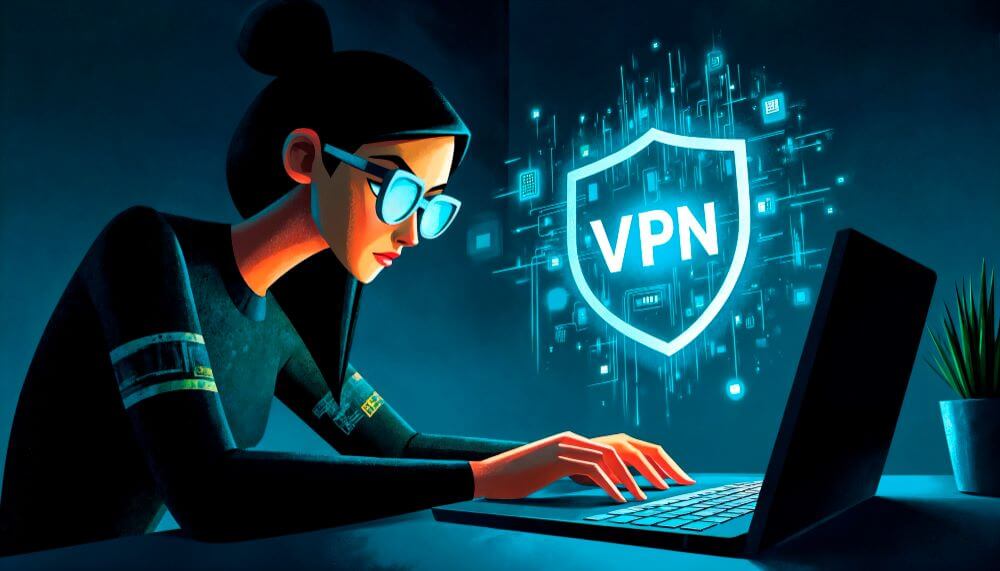
Working remotely can feel so liberating – just your laptop, an ergonomic chair, and the freedom to set your own daily rhythm. But behind that comfort and flexibility there’s a growing security burden. Your home networks won’t be as locked-down as office systems, and cyberattacks increasingly target people working from kitchen tables, Airbnbs, and coffee shops. A secure remote setup is no longer a ‘nice-to-have’ but essential for keeping your data, your work, and your company safe. Here are four essentials that you need to keep your remote working environment safe, productive and resilient against today’s evolving security threats.
Secure access: Protect your connection and company systems wherever you work
First, build a strong remote security foundation by implementing encrypted access. Using a reputable VPN for business ensures that client documents, logins, and anything else that you transmit travels through an encrypted tunnel rather than via exposed public networks. You’ll be protected from man-in-the-middle attacks and attackers will be blocked from intercepting sensitive information (especially important if you’re using café or other public Wi-Fi). With a business VPN, your traffic is shielded, file-sharing is much safer, and you’re accessing company systems through a protected gateway.
Tablets, laptops, routers: Harden your devices and home network
Even your home network needs enterprise-grade care. Remember, your laptop, phones, and tablets are all potential doorways into your work environment. Keep them up to date with patches as a first line of defence. Then, add further barriers with firewalls and antivirus tools so any threats are caught before they reach your files. And don’t forget your home router – outdated firmware or weak passwords can expose your entire network. Make sure your WiFi uses modern encryption like WPA3 and run regular security scans to reduce vulnerabilities that attackers love to exploit.
Stronger layers: Multi-factor authentication and zero-trust
You will have no doubt heard the common refrain to always enable multifactor authentication (MFA) on your devices and account. But it really is the simplest, most effective, way to block unauthorized access. Your password might be stolen, but attackers are stopped in their tracks since they can’t get the code or other extra verification step. Layer this with a Zero-Trust security approach where every single login, device, or request is continuously verified so the chance of a single compromised credential turning into a wider attack is dramatically reduced. Zero-Trust keeps threats contained, even if they slip through one layer of defence.
Phishing and shadow IT: Protect yourself against making human errors
Human error is still the most common cause of breaches and remote work only amplifies the risk. Phishing emails and fake login prompts are getting ever more convincing, so do regular training to help you spot the subtle signs of a scam. Along with simulated phishing tests, this will keep you one step ahead of attackers who rely on distraction and routine. Good password hygiene is also a must. Finally, get clear guidance on how to use company tools so you’re not tempted by shadow IT (those unapproved apps and services many people turn to when working from home).
Build a secure, resilient remote work routine
Remote work only feels effortless when it’s backed up by strong security. With encrypted access, hardened devices, layered authentication, and ongoing cybersecurity training, you can work confidently from home, the airport, the café, or pretty much anywhere your day takes you.
