


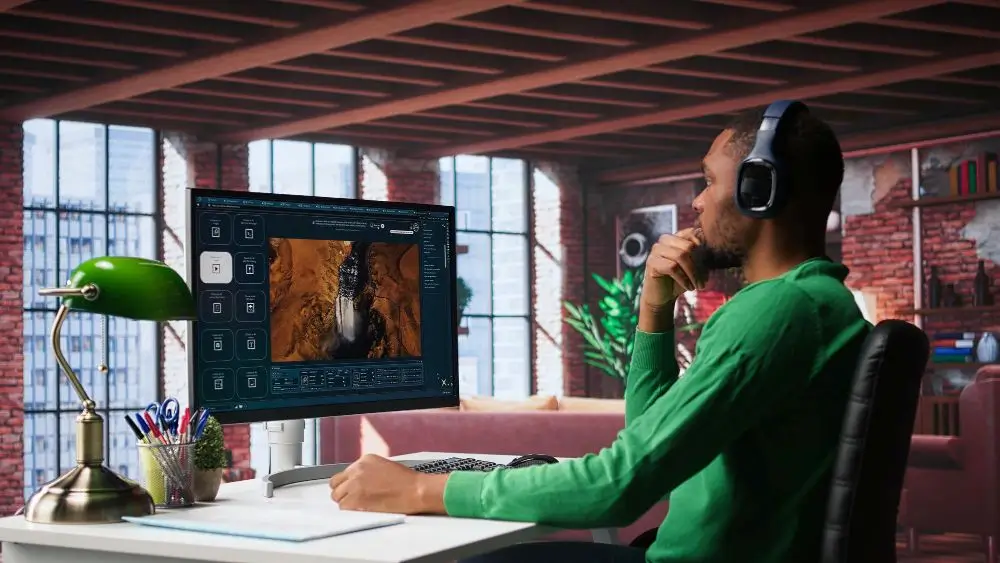
AI is shaking up the way we make digital stuff. Things that used to need years of editing experience, pricey software, and endless hours can now be tackled with AI-helped tools. Video editing, image generation, animation, visual storytelling—these are the areas seeing the biggest shift.
And don’t worry, AI isn’t here to steal the creative throne. It’s more like a new layer in the production stack: you can use it to brainstorm ideas, knock out repetitive chores, try out different looks, and go from a rough sketch to a finished piece faster.
The Evolution of AI-Assisted Video Editing
Old-school video editing is a checklist: import footage, cut clips, arrange scenes, slap on transitions, tweak audio, add captions, export. Every step usually calls for a manual decision.
AI-assisted editing drops automation into many of those steps. Modern systems can scan the video and audio, pick out the important bits, suggest edits, and help you organize everything more efficiently. That’s a lifesaver for social-media clips, school projects, marketing ads, presentations, and short-form fun.
One fresh example is the CapCut × Codex AI video editor. It shows the bigger trend of pairing conversational or “smart” AI with visual-editing workflows. Instead of treating editing as a bunch of isolated manual clicks, AI-driven tools can link your creative instructions directly to the production tasks.
The real breakthrough isn’t just that AI can do single editing actions—it’s that it can start to grasp what you want to achieve and lend a hand with several related steps at once.
From Text Prompts to Visual Content
AI image generation has also changed the early-stage brainstorming. Back in the day, making a custom visual meant hauling out a camera, hiring an illustrator, digging through stock-photo libraries, or contracting a designer. Generative AI flips that script: you just describe the picture you have in mind, and the model spits it out.
Want a futuristic cityscape, a historical scene, a product mock-up, or an illustrated character? Type it out, and the system creates visual material based on your words. That makes experimenting a breeze—you can try a dozen concepts before settling on the one that fits your project best.
Tools built around models like ChatGPT Images 2.5 show how generative image tech is sliding into everyday creative pipelines. Think storyboards, thumbnails, concept decks, presentations, social posts, etc.
But a “cool-looking” AI image isn’t automatically right. It might miss the message you’re after, clash with your brand’s visual identity, or misrepresent a real-world subject. That’s why a human still needs to give it a once-over.
AI and the Creative Workflow
One of AI’s biggest perks is how it smooths the hand-offs between creation stages.
You might start with a written idea, sketch a visual concept, generate some images, build video sequences, layer in music or narration, then polish the final edit. AI can pop in at several points along that road.
- For beginners: It drops the technical barrier. If you know how to tell a story but aren’t a whiz with timelines or keyframes, AI can handle the repetitive bits, letting you turn a loose idea into something more structured.
- For seasoned editors: It’s not about replacing your chops, it’s about offloading the grunt work. AI is able to handle the repetitive tasks so you can spend more of your energy on pacing, composition, storytelling and the overall creative direction.
The Importance of Human Oversight
Even as AI gets sharper, its output isn’t automatically spot-on. Models can misunderstand a prompt, produce visual glitches, or invent details that don’t line up with reality.
That matters most when you’re dealing with factual content. An image of a historical event, a scientific diagram, a person, a place, or a product should be checked carefully—not just taken at face value because it looks realistic.
Video creators also need to eyeball AI-generated edits for continuity. An automated system might pick a technically cool moment that doesn’t actually serve the story. Auto-generated captions can slip up, especially when speech is muffled or multiple languages are involved.
Human oversight ensures the automation supports the message you want to send, rather than dictating it.
Responsible Use of Generative Media
The boom in AI-made content brings up questions about copyright, consent, authenticity, and disclosure. Creators need to know the rules around what they upload and what they generate.
Using someone’s likeness without permission can stir up ethical and legal trouble. Likewise, passing off an AI-generated picture as a genuine photograph of a real event can mislead an audience.
Responsible creators should ask not just “Can the AI make this?” but also “Should I use it here?”—weighing appropriateness, credit, and transparency.
What the Future May Look Like
AI-assisted video and image creation will likely keep weaving itself into the creative software we already use. The line between typing an idea, generating an image, and cutting a video may blur as these functions start to work hand-in-hand.
Imagine describing an entire project in plain language, then refining each piece through a back-and-forth chat. Editing could shift toward pure creative decisions while AI handles more of the technical prep.
In the end, AI’s most useful role is probably as a creative assistant—not an autonomous replacement for the human maker. People still decide what a story should say, which ideas matter, and whether the final piece clicks with its audience.
As these tools keep evolving, it will be important to understand their capabilities and limitations. Artificial intelligence can accelerate visual production and make it more accessible, but good results still require thoughtful direction, careful review and true creative judgment.
