


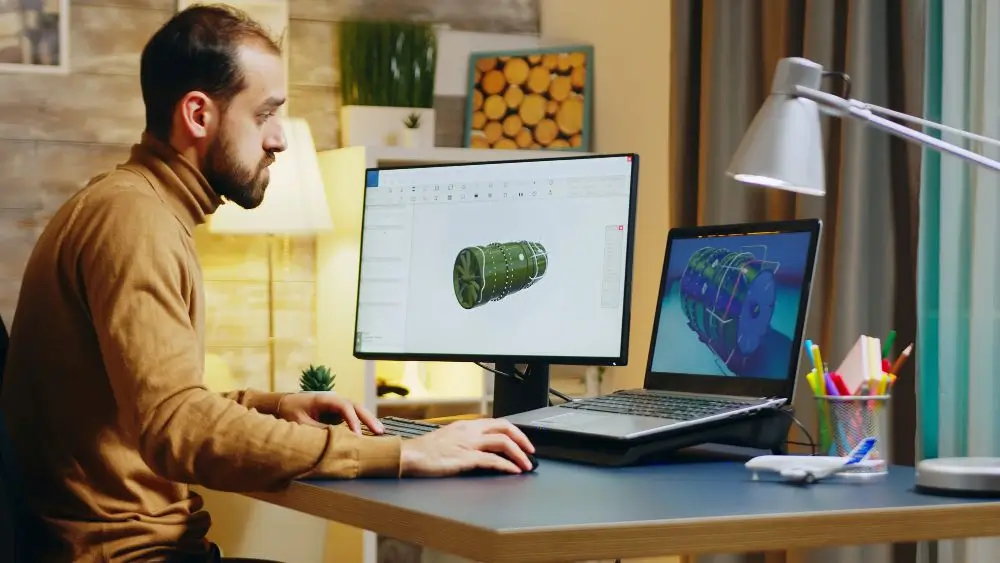
Visuals are everywhere now. Websites. Social media. Presentations. Digital products. Educational materials. Images carry a big chunk of communication. Honestly, a huge chunk.
And making a good one? Used to be hard. Really hard. Photography equipment. Illustration skills. Graphic design software. Or a professional designer, hired in. That was the old path.
AI’s changing that. People describe a visual idea. In ordinary language. Plain words. And those words turn into images. Simple as that.
Does that make traditional creative skills irrelevant? Nope. Not at all. It just adds another route. Another way to experiment with concepts. Build visual references. Refine ideas. All before producing the final asset.
What Is an AI Image Generator?
Straightforward, really. A system that creates visuals. Based on user instructions.
What goes in those instructions? Lots of things. A subject. A setting. Composition. Lighting. Artistic style. Colors. Other characteristics too.
Quick example. A quiet mountain village. At sunrise. Warm natural lighting. Cinematic composition. That’s the description. The system reads it. Interprets it. Then produces an image. One built around those requested traits.
Quality? Depends partly on clarity. How clearly the idea gets communicated. Short prompt? Fine for experimenting. Useful, even. Detailed description? More control. Over perspective. Atmosphere. Objects. Composition.
And text isn’t the only input anymore. Modern image-generation workflows handle existing visuals too. Reference images. Sketches. Targeted editing instructions. Why does that help? Because some ideas are tough to explain in words. Words alone fall short sometimes. A sketch fills the gap.
How Text-to-Image Technology Works
Basic level first. Generative image systems learn relationships. Between visual patterns and language. From large collections of training data. Tons of it.
A user drops in a prompt. The model processes the words. Then tries building an image. One that reflects the requested concepts.
Sounds simple. It isn’t. Not just matching words to pictures. Way more going on. The system has to interpret relationships between objects. Understand descriptions of styles. Of environments. Figure out how different elements might look together. Plenty of moving parts.
That’s why prompt structure matters. It shapes the outcome. A good order helps. Main subject first. Then surroundings. Then composition. Lighting. Visual style. Laid out that way, the intended result gets easier to interpret. Easier for the system, anyway.
From Image Creation to Image Editing
Big development here. Maybe one of the biggest. The move from creating images from scratch. Toward editing existing ones.
What might a user want? Plenty. Change a background. Keep the main subject intact. Adjust lighting. Modify one specific object. Explore several visual styles. AI-based editing speeds up these experiments. A lot. Why? No need to rebuild the whole image. Not for every single variation.
Take GPT Image 2.5. Designed around exactly these workflows. Start with text. Or sketches. Or reference images. Then move into focused visual refinement. Its documented use cases? Changing particular elements. While keeping broader parts of the composition. Pretty useful.
When does this shine most? Early project stages. Plain and simple. That’s when creators are still deciding. Still figuring out what a visual should look like.
Why Prompt Quality Matters
Longest prompt wins? Nope. Not how it works.
Clear instructions beat unnecessary descriptions. Generally, anyway. Clarity over length. Every time.
So what’s in a practical prompt? The subject. The environment. Composition. Mood. Lighting. Intended style. Need visible words in the image? Labels? Other specific details? Include those requirements too. Spell them out.
Here’s a helpful trick. Treat prompting like a visual briefing. Not just keywords. Think bigger. What would another person need to know? To recreate the scene? That mindset helps. Instructions get more consistent. Revisions get easier. Honestly, it’s a solid habit.
Comparing Different Visual Directions
Another advantage? Exploring alternatives. Before committing to a final design.
One concept. Many versions. Different compositions. Different color treatments. Different environments. Different illustration styles. All testable.
Example time. A business is preparing an educational graphic. What options? A realistic photographic style. A clean illustration. A simplified diagram. Three directions. Then a designer evaluates them. Which one communicates the idea most clearly? That’s the pick.
Some modern workflows push this on purpose. Generate several directions first. Then move into final editing. And layout. Why bother? It separates two stages. Creative exploration on one side. Final production on the other. Cleaner process. Less guesswork.
Practical Uses of AI-Generated Images
Where do AI-generated images help? Lots of visual work. Many types.
Content creators? Article illustrations. Social media concepts. Thumbnails. Presentation graphics. Educators? Visual examples for lessons. Designers? References during brainstorming.
Mockups too. And early-stage concept development. No waiting for every detail to be finalized. A team creates a rough visual. Uses it to talk things through. Composition. Direction. Faster conversations.
But one warning. Review everything. Carefully. Generated images still slip up. Where? Hands. Faces. Text. Edges. Repeated patterns. Mistakes hide there. Inconsistencies too. Even current AI image workflows say so. They recommend checking these elements. Before calling an image finished. Good advice, honestly.
The Role of Human Creativity
AI is fast. Images in seconds, almost. But deciding what an image should communicate? Still a human job. Always has been.
A generated picture can look impressive. Stunning, even. And still miss the point. Fail to support the project’s actual purpose. Happens.
So creators have things to weigh. Context. Accuracy. Originality. Audience expectations. Appropriate use of visual material. None of that is automatic. AI tools work best a certain way. As part of a creative workflow. Not as an automatic replacement. Not for creative judgment.
And the tech keeps developing. Tools like an AI image generator. Newer models like GPT Image 2.5. Both making visual experimentation more accessible. But the bigger change? Not just machines creating pictures. It’s speed. People moving quicker between steps. Idea. Visual draft. Feedback. Refinement. Round and round. That’s the real shift.
Conclusion
AI image generation? Becoming a practical part of modern digital creativity. Genuinely practical.
Text-based creation. Reference-driven editing. Repeated visual refinement. All of it opens new ways to explore ideas. No need for every concept to start as a finished design. Rough is fine. Rough is the point.
Still, the best results depend on two things. Clear communication. Thoughtful review. Put well-structured prompts together with human judgment. Then what? Generative imagery becomes a flexible tool. For exploration. For design development. For visual storytelling. Plain and simple.
